All the Ways You Can Customize Your iPhone's Home Screen

TL;DR AI
2 min readKey summary
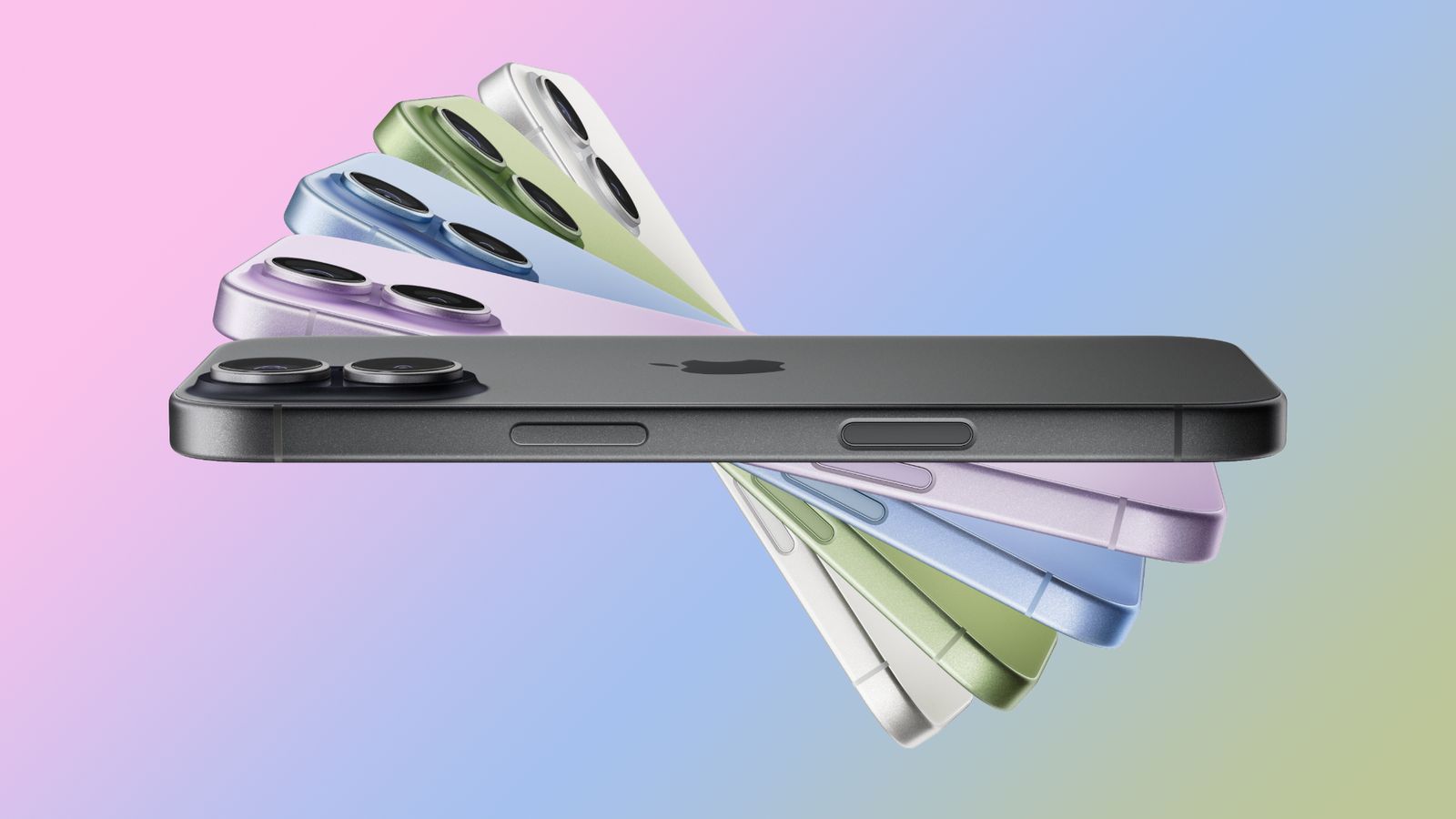
Apple expanded iPhone Home Screen customization in iOS 18 and iOS 26’s Liquid Glass redesign.
Users can hide app labels, change icon and widget colors, and switch between clear, tinted, and dark styles.
The update also makes it easier to rearrange apps more freely across the Home Screen.
These controls give iPhone owners more ways to personalize the look and can help with readability or battery life.
Same topic