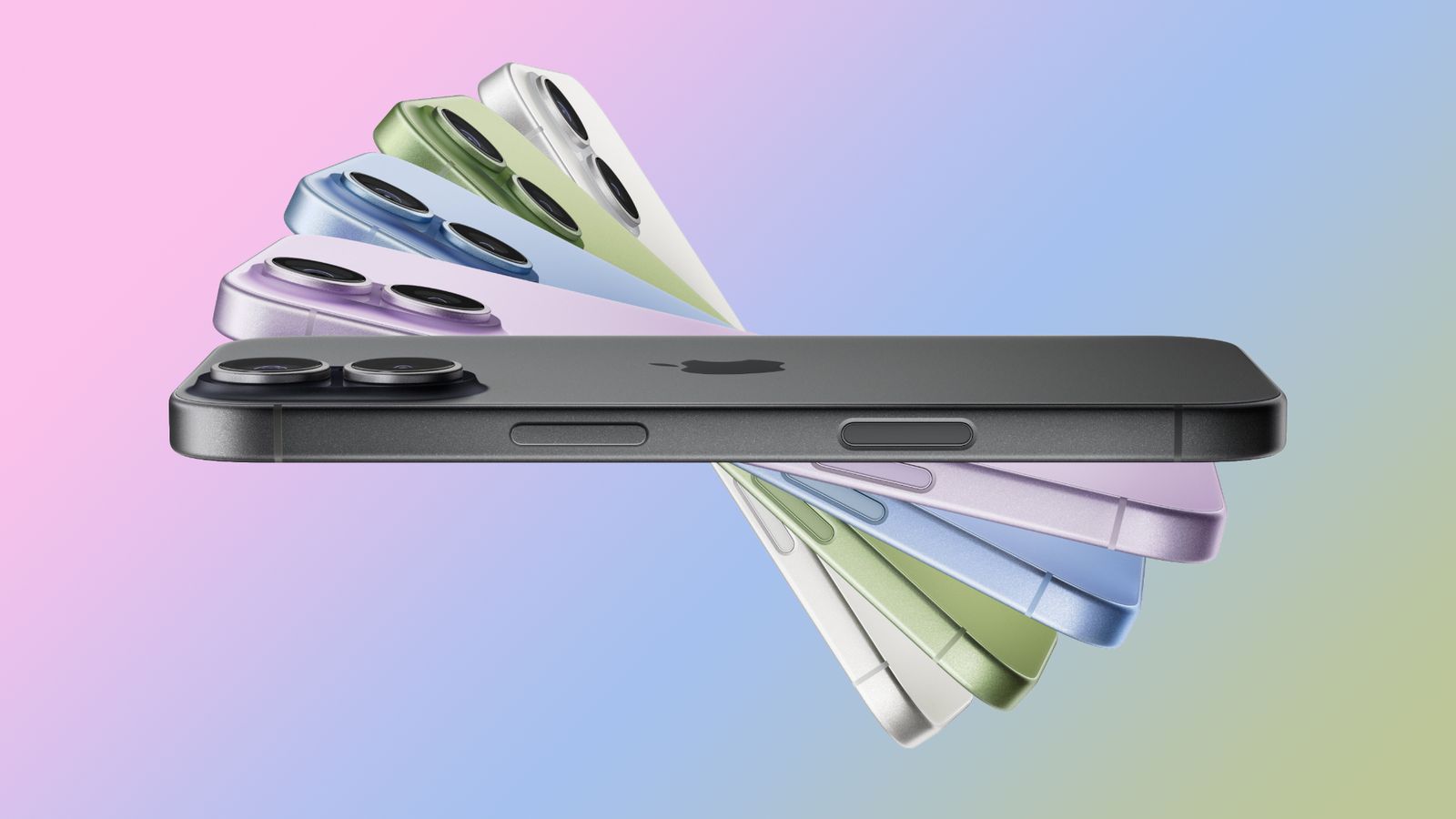
Get Accurate Battery Readings Again: iOS 26.5 iPhone Calibration Guide
TL;DR AI
2 min readKey summary
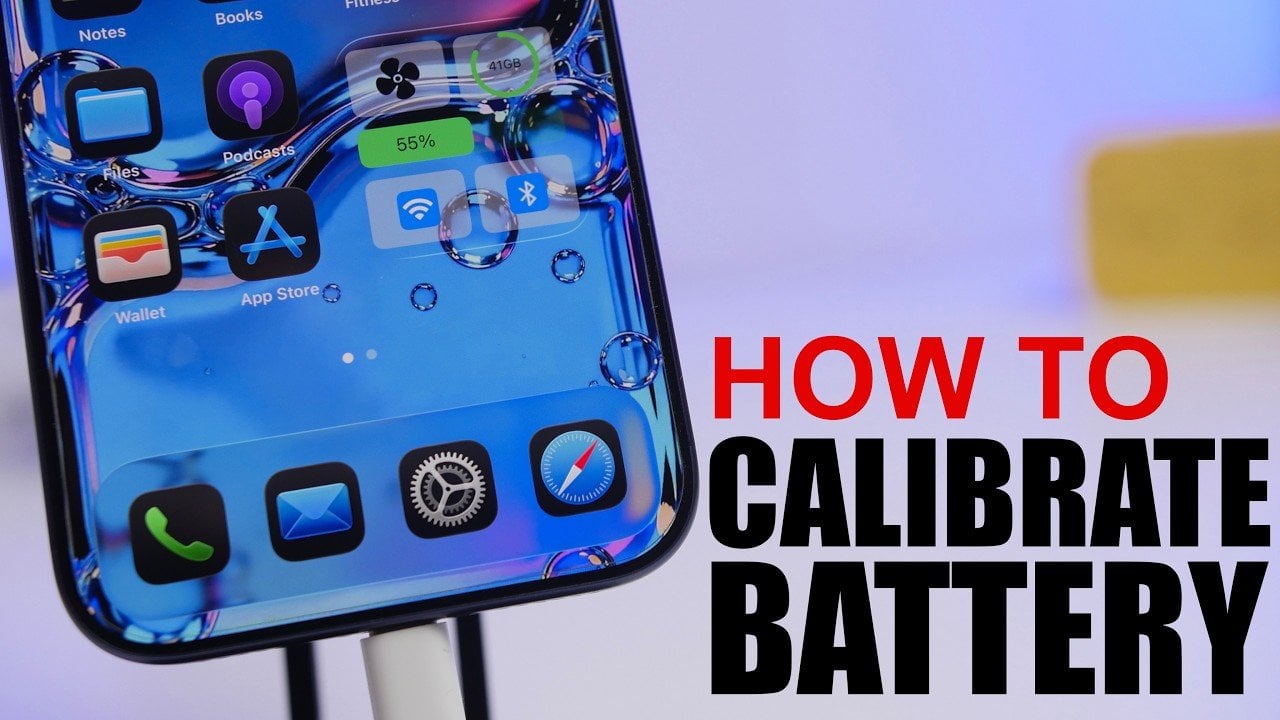
A guide explains how to recalibrate an iPhone battery on iOS 26.5.
The process includes turning off Optimized Battery Charging, fully charging, draining to shutdown, resting, then recharging to 100% uninterrupted.
A final hard reset is recommended to help restore more accurate battery readings.
The calibration can reduce sudden shutdowns, but it should only be done occasionally.
Same topic