
Give Your Mac a Complete Visual Overhaul in Under 10 Minutes
TL;DR AI
2 min readKey summary
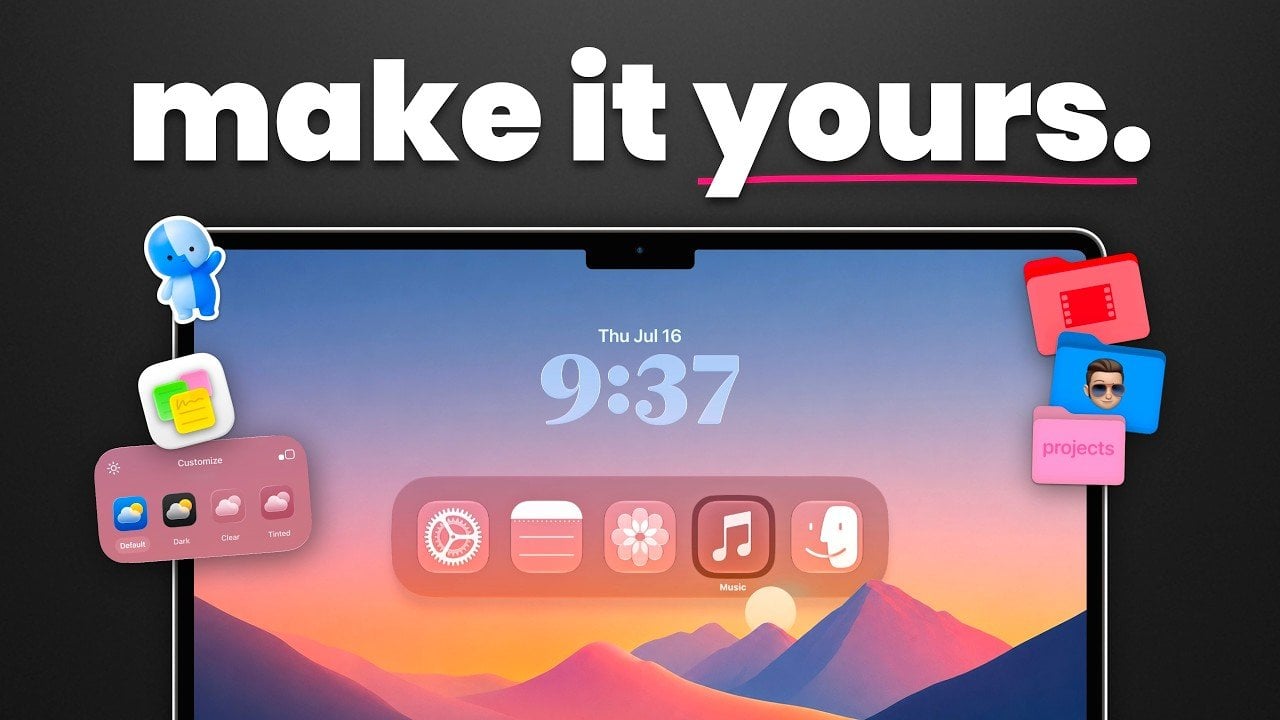
A guide highlights 21 ways to personalize macOS with built-in settings and third-party tools.
Users can change system appearance, accent colors, lock screen options, wallpapers, icons, folders, and widgets.
Tools like Umbra, Aerial, Locker, and Widget Wall add more advanced visual customization.
The guide is meant to help Mac users make their devices feel more distinctive and better suited to their workflow.