Why You Should Change Your iPhone’s AirDrop Settings in Public Spaces
TL;DR AI
2 min readKey summary
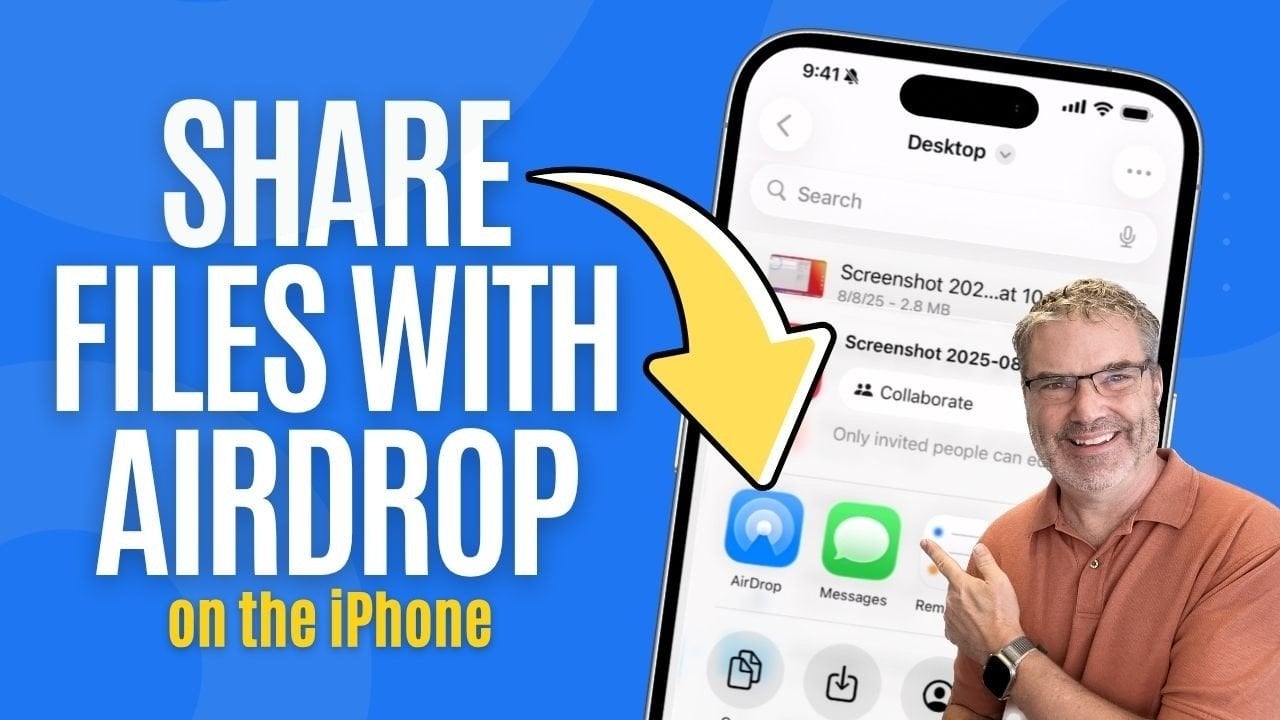
The article explains how AirDrop works for wireless file sharing across Apple devices.
It supports photos, documents, and other files over Bluetooth and Wi‑Fi.
Users can limit who may send files by changing AirDrop settings in Settings > General > AirDrop.
In public places, tighter settings like Contacts Only or Receiving Off help reduce unwanted requests and improve privacy.
Same topic