How to Hide Headgear in Crimson Desert
TL;DR AI
2 min readKey summary
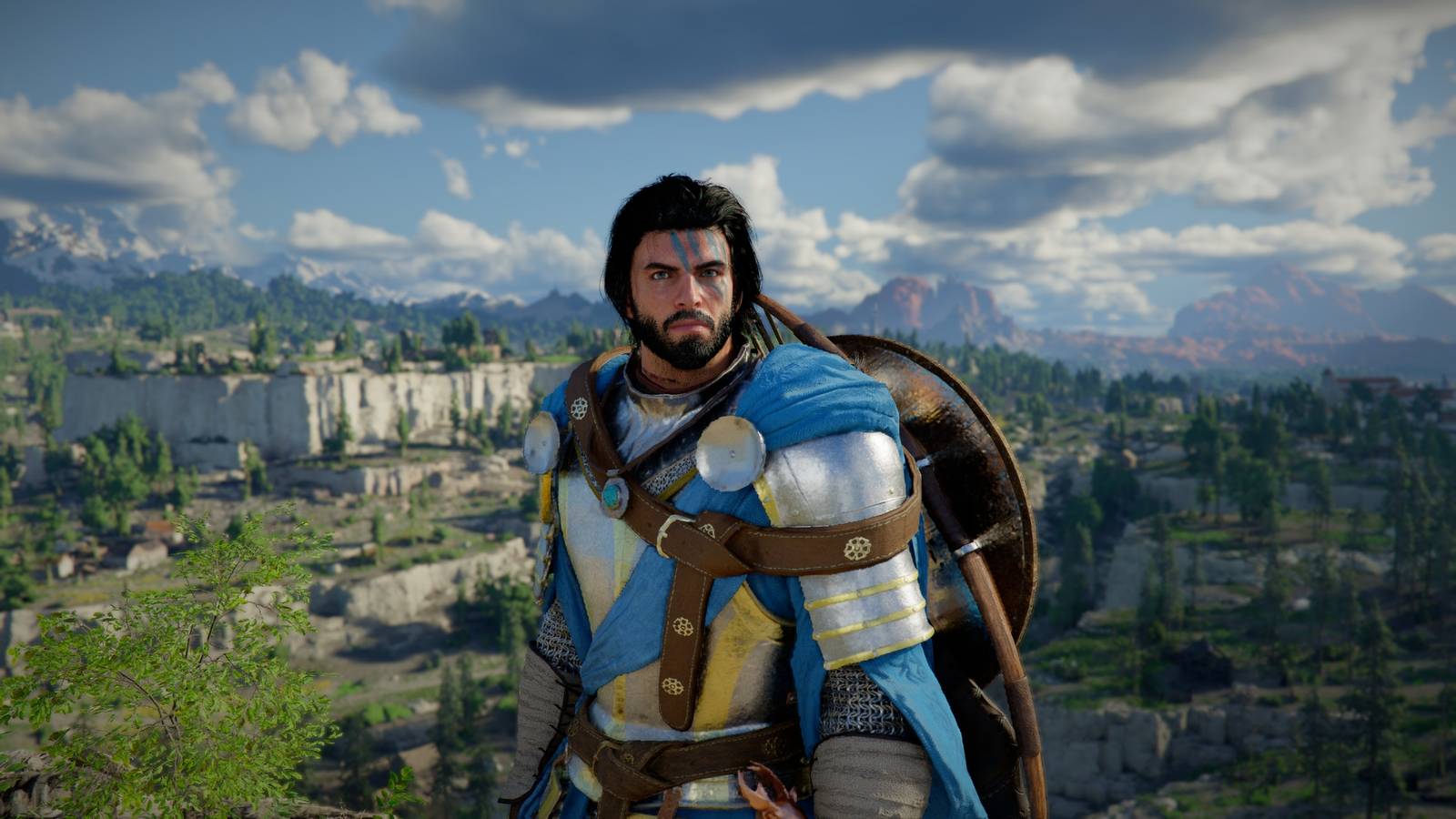
Crimson Desert lets players hide helmets and hats via Others → Options → Settings → Languages and Gameplay → Display Headgear.
Display Headgear has four options: Always Show, Show in Combat, Hide in Cutscenes, and Always Hide, and applies to Kliff, Damiane, and Oongka.
Controls to change the setting vary by platform: PC uses Esc and A/D or mouse, while PS5 and Xbox use their shoulder buttons and D-Pad.
Weapons and armor cannot be hidden or transmogged currently; Pearl Abyss said a future update will add hiding weapons and shields on the back.
Crimson Desert released March 19, 2026 and is rated ESRB Mature 17+.
Same topic