Make Your MacBook Battery Last Longer With This Setting
TL;DR AI
2 min readKey summary
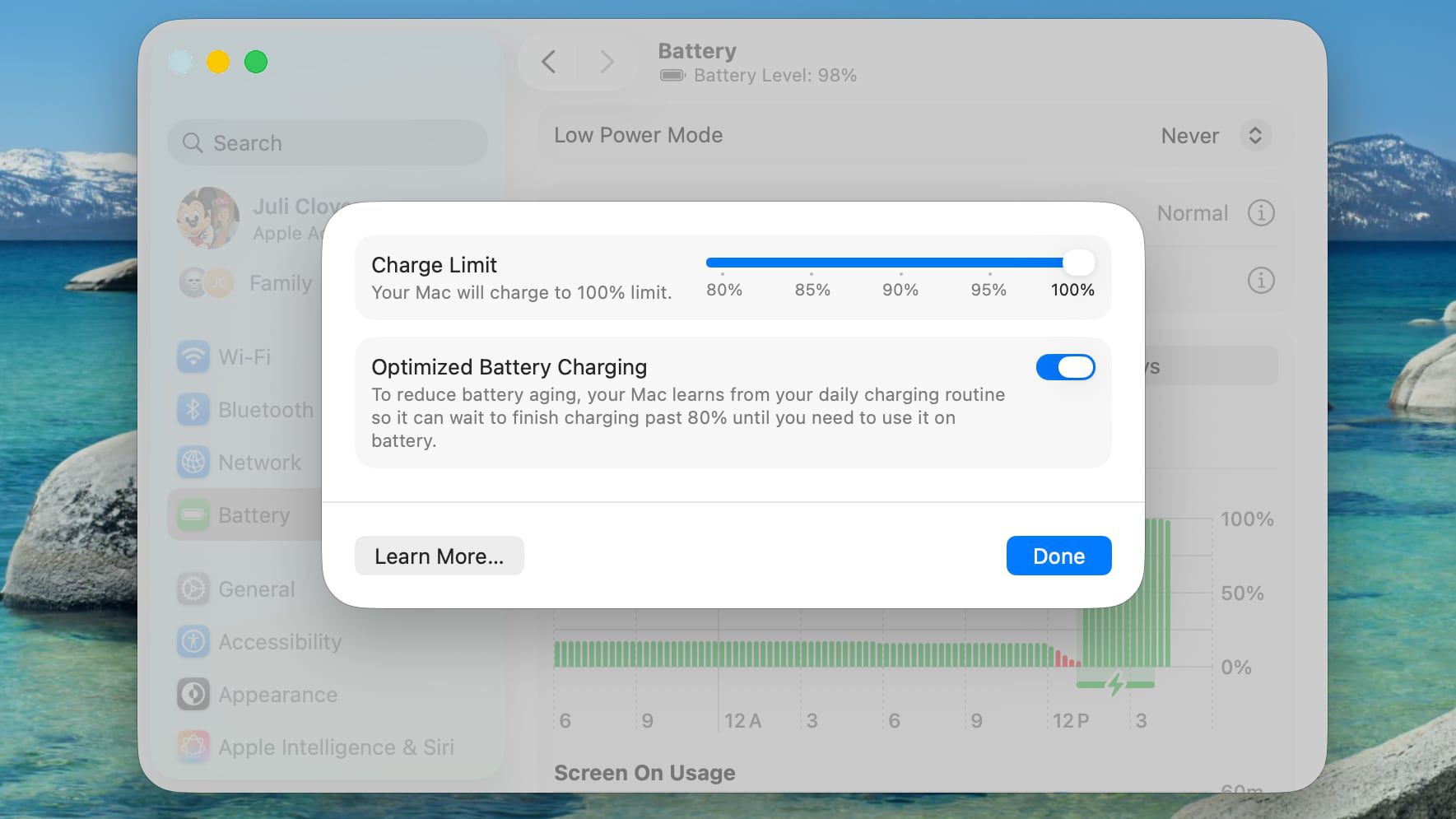
Apple added a new Charge Limit option for Macs in macOS Tahoe 26.4.
Users can now cap MacBook charging at 80%, 85%, 90%, 95%, or 100% in System Settings.
The feature works with Optimized Battery Charging, which still tries to delay a full charge based on usage.
Limiting time spent at high charge levels can help slow lithium-ion battery degradation.
It gives frequent plugged-in users a tradeoff between shorter unplugged runtime and better long-term battery health.
Same topic