OnePlus ruined its task switcher UI, but there's a secret way to get the good one back
TL;DR AI
2 min readKey summary
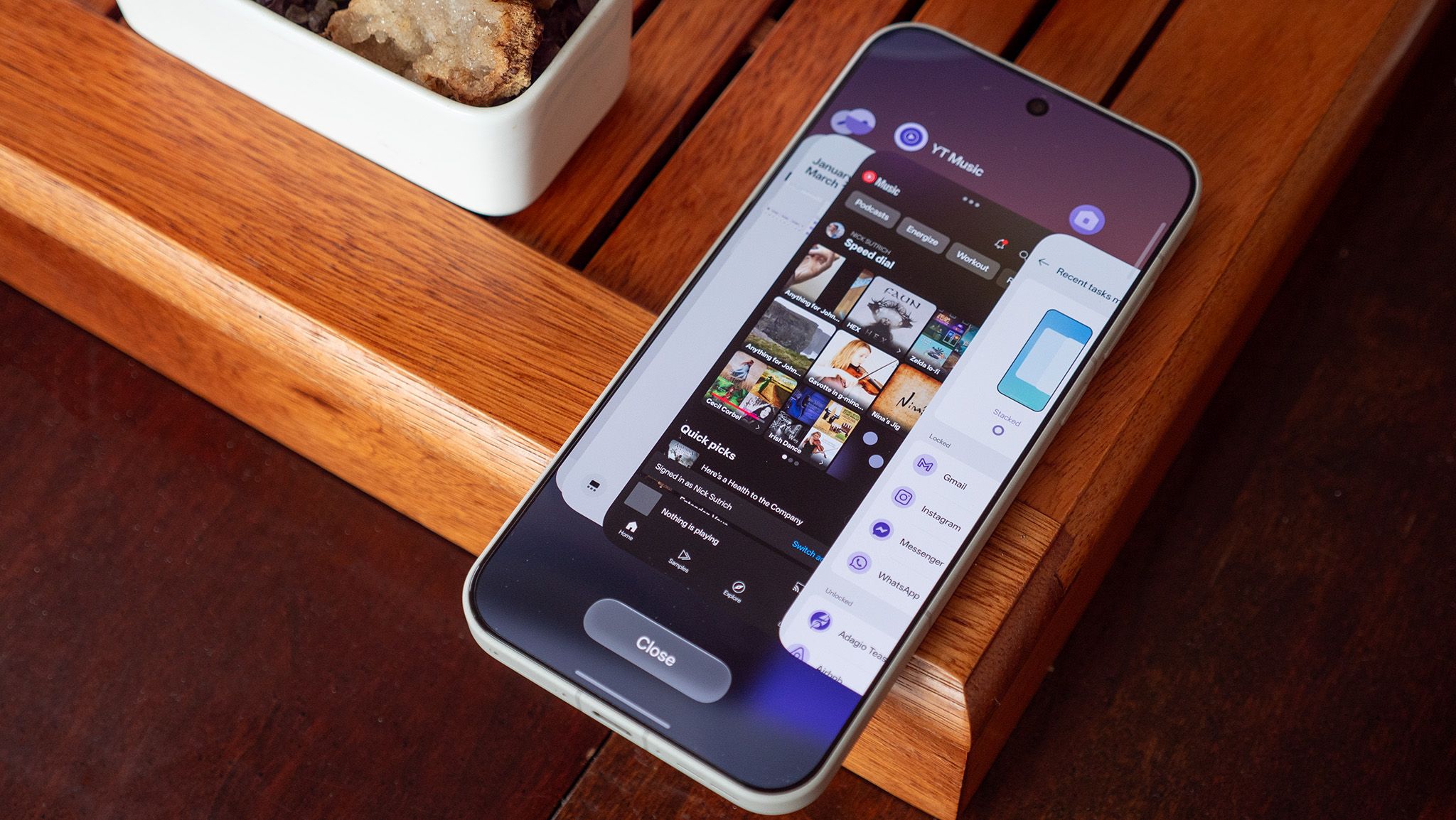
Recents UI open by tapping the Recents key or by swiping up and holding on the home bar, how to open Recents UI.
Close button press and hold the Close button then select Flat from the options, how to change task switcher style in Recents.
Home screen settings pinch the home screen, go to Home screen settings, then Manage Apps to access the same menu, alternate path to the same setting.
OnePlus multitasking UI re-enables the classic flat multitasking UI, effect of enabling the setting.
App memory lock lock an app in memory from the same settings screen, memory management option in the same screen.
Same topic