Why iOS 26.5 is Draining Your iPhone Battery (and How to Fix It)
TL;DR AI
2 min readKey summary
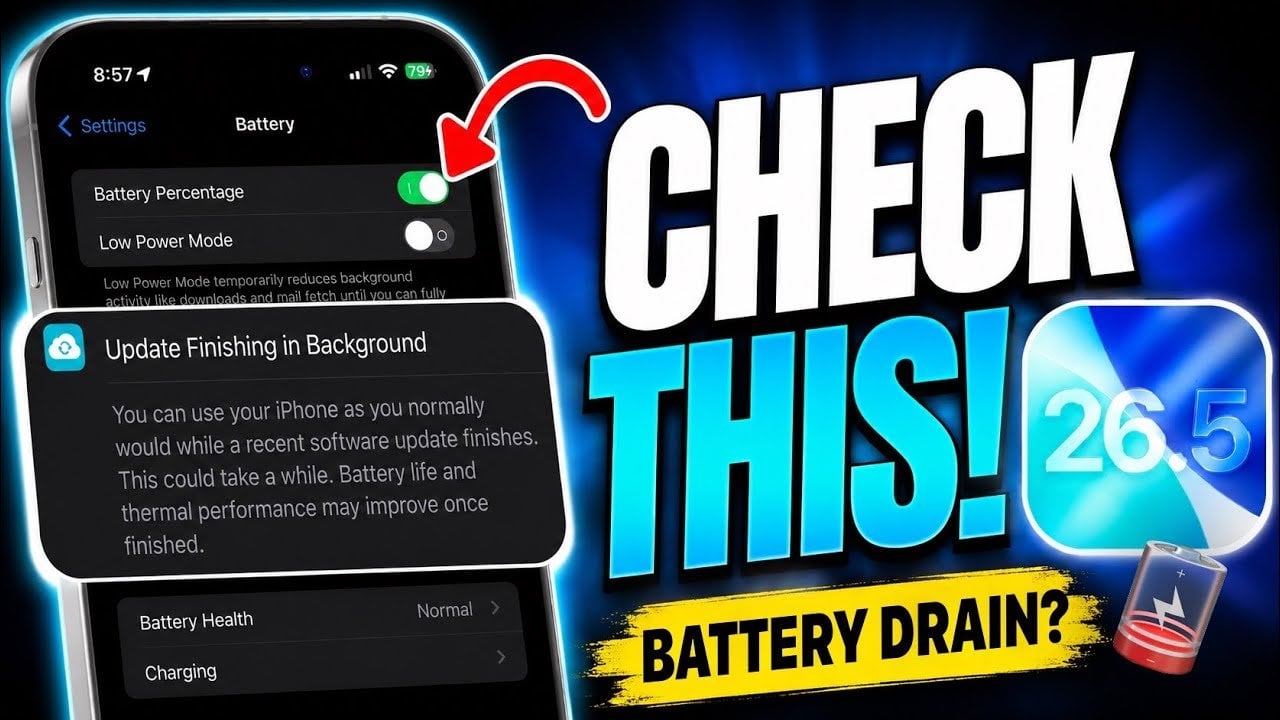
Some iPhone users report faster battery drain after updating to iOS 26.5, likely from temporary background processing and app activity.
The article recommends checking Settings > Battery to spot power-hungry apps and review post-update usage patterns.
Users can improve battery life by reducing Background App Refresh and turning on power-saving options like Adaptive Power Mode.
Auto-Lock and Auto-Brightness tweaks may also help older iPhones regain more normal daily runtime.
Same topic