The Galaxy S26 still ships with this useful notification feature turned off — thankfully, fixing it is easy
Key summary
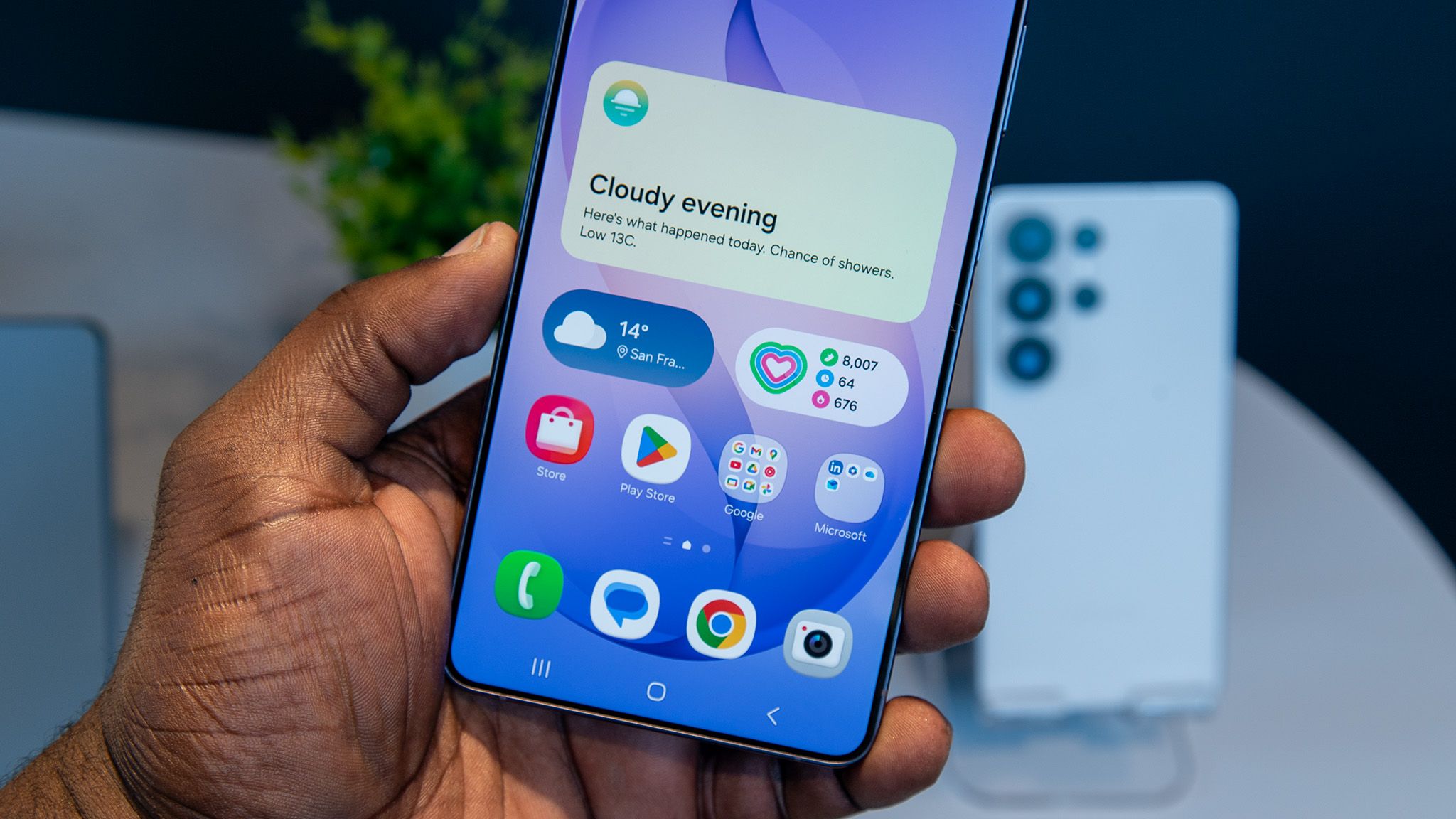
Galaxy S26 series has notification categories turned off by default, notification categories are disabled by default on the Galaxy S26 series.
One UI 8.5 debuts alongside the Galaxy S26 and is based on Android 16, one UI 8.5 ships with the Galaxy S26 series and is based on Android 16.
Settings app can enable Manage notification categories for each app via Notifications > Advanced settings, steps to enable Manage notification categories in Settings → Notifications → Advanced settings.
Other Android phones commonly ship with notification categories enabled by default, most other Android phones like Google Pixel 10 Pro ship with notification categories enabled by default.
App notification settings require per-app configuration of notification categories, users must open each app's App notifications → Notification categories to select which categories to allow.